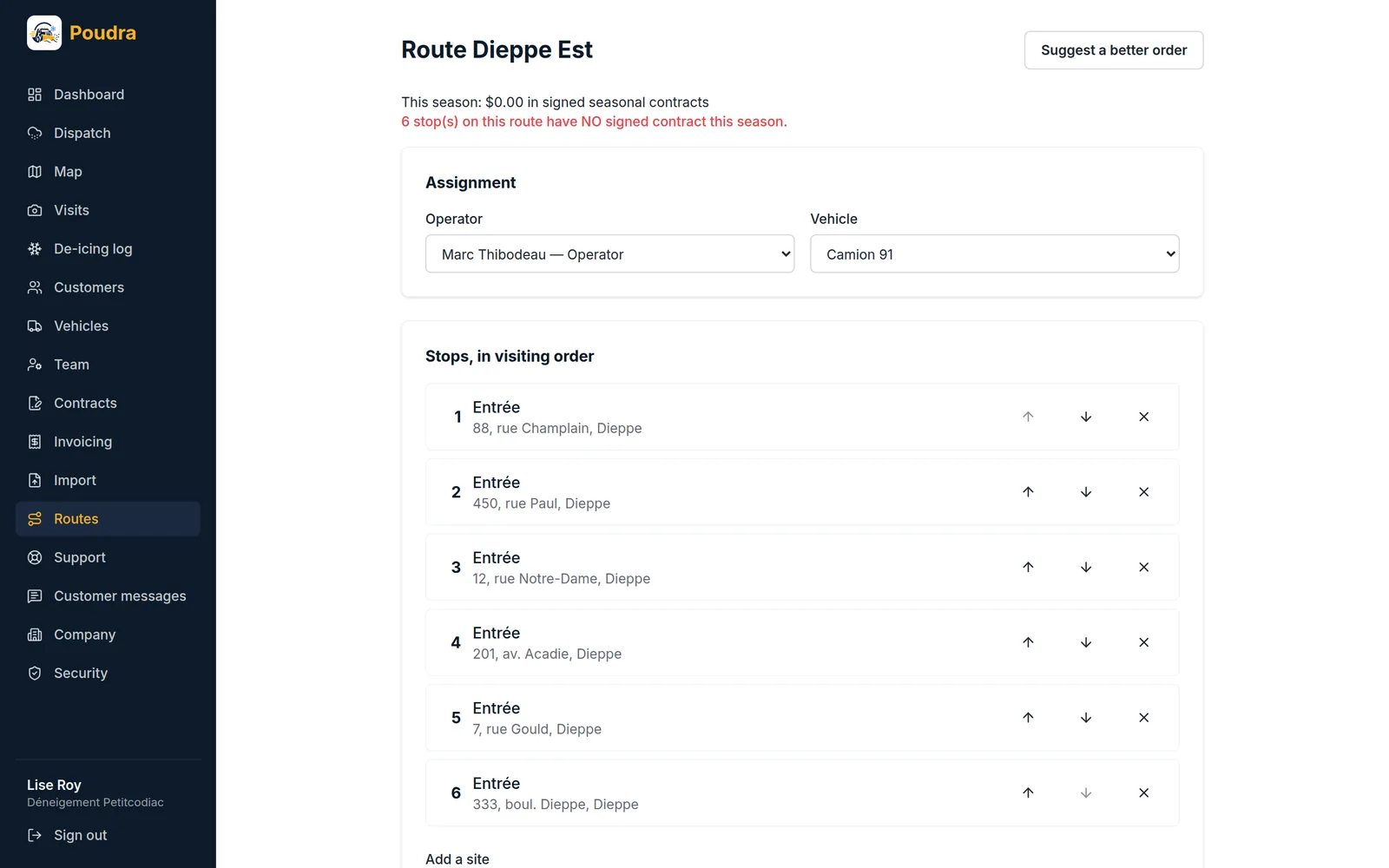
01Stops and their order
Add properties to the route and move them up or down. That order is what the operator sees in the truck. The route page also shows what it brings in this season in signed seasonal contracts, and how many of its stops have no signed contract.
02Ask for a better order
“Suggest a better order” works out the trip with the least driving. Poudra shows you the gain — “16 min instead of 30” — and you decide: nothing is reordered without your click. The first stop stays first; you decide where the route starts.
03Access notes and photos
On the customer’s page, each property has its access notes, obstacles and up to eight reference photos. The operator reads them before pulling into the driveway. On the Map page, you draw a property’s limits by clicking its corners — Poudra works out its area — and you sort your properties into sectors that you draw the same way.