01An account in four fields
To create your account: the company name, the province (it decides the taxes on your invoices), your email and a password of at least six characters. You confirm your email, you save your card — nothing is charged for 14 days — and setup begins.
02Follow the dashboard assistant
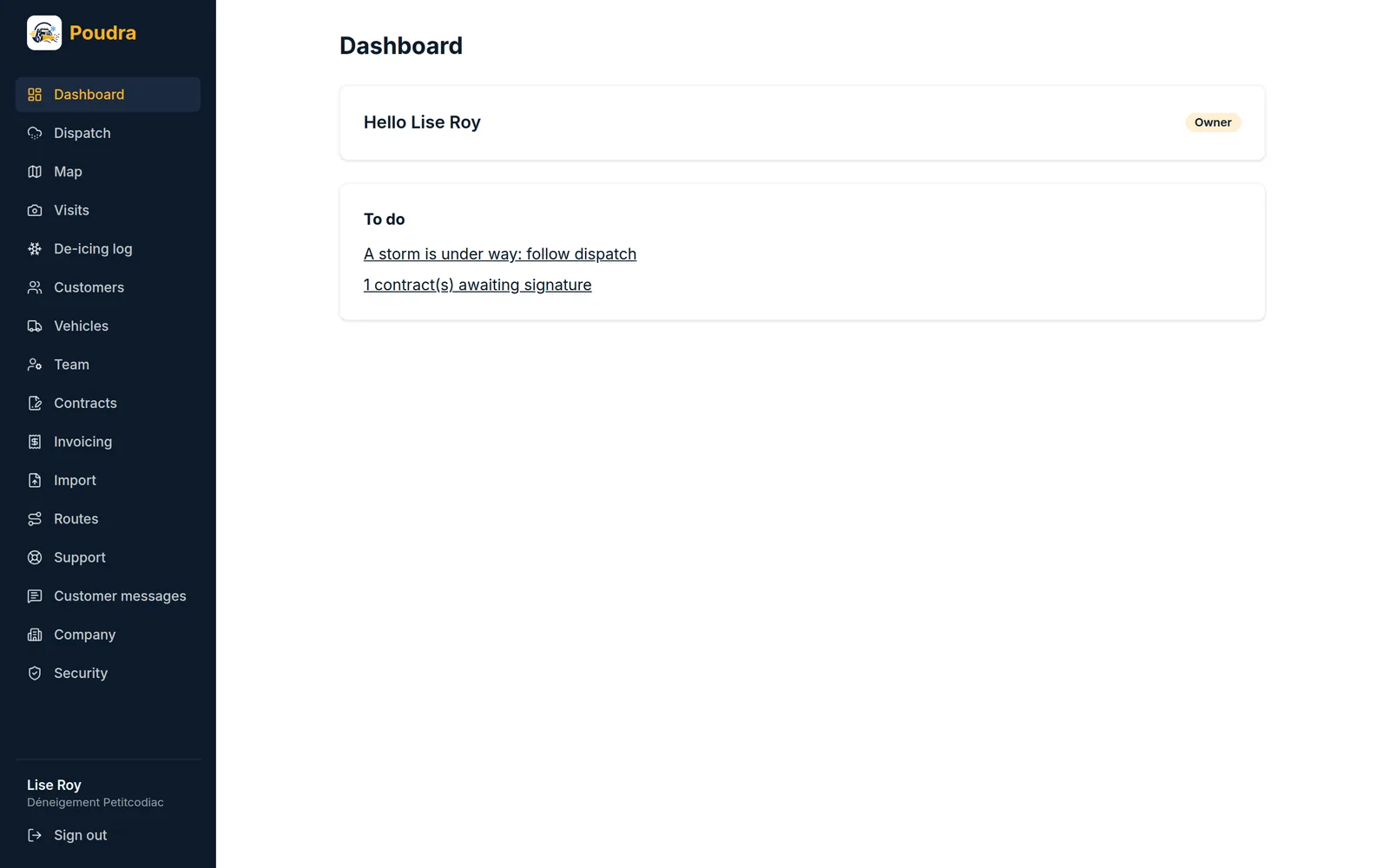
The dashboard shows six steps: complete your profile (your name, your phone, your city), add a vehicle, enter your customers and their properties, invite an operator, build a route and assign it, send a first contract. Each step ticks itself when the thing really exists; there is nothing to tick by hand. Only the next step is highlighted.
03Why this order
A route needs properties, and a visit needs an operator on the route. A route with no operator or no stop does not count as done: nobody could drive it.
04Your plan counts vehicles
The price follows the number of active vehicles, not the number of people. Invite as many dispatchers and operators as you need. A stored vehicle no longer counts, and its history stays.