01Prepare the file
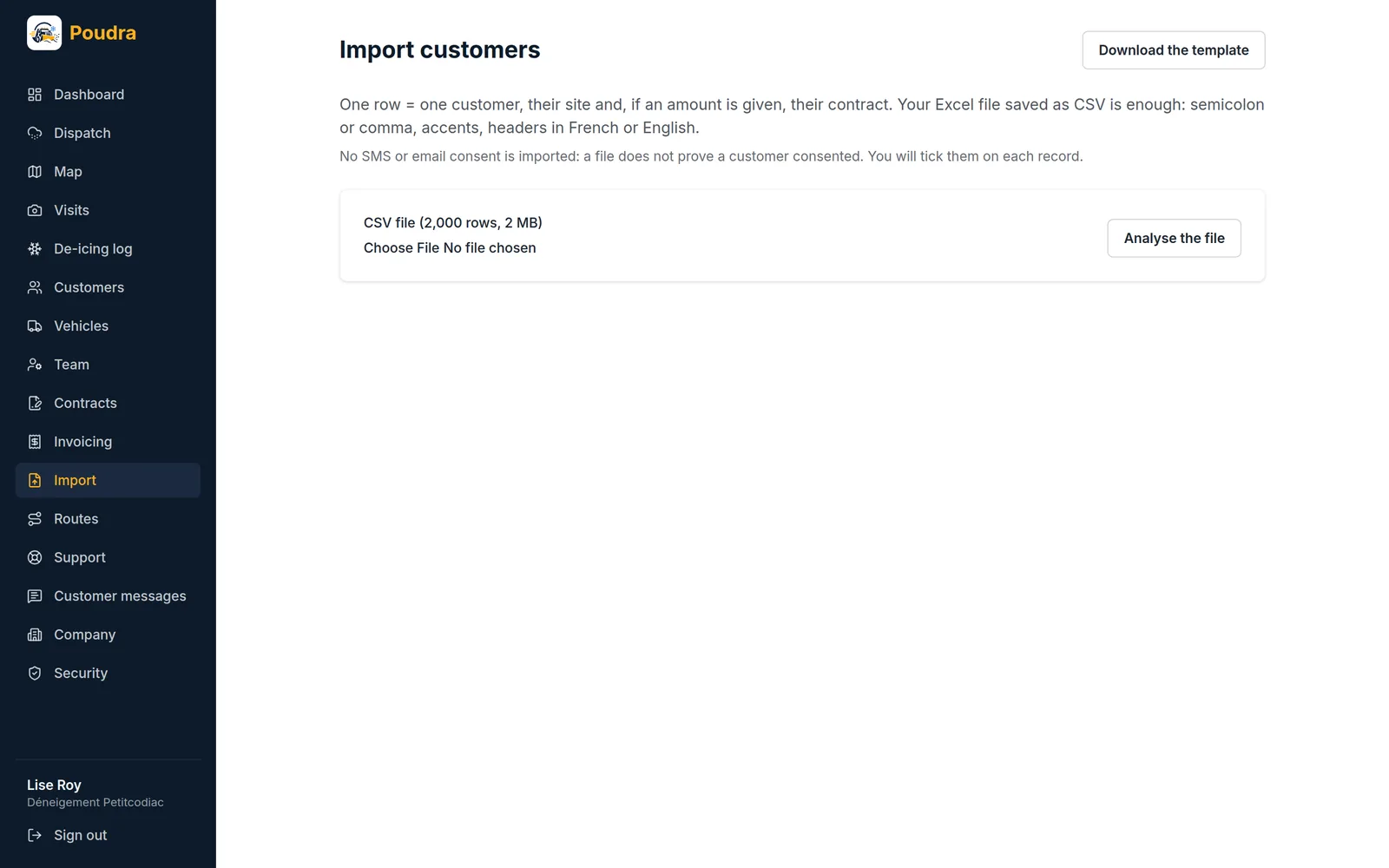
Download the template from the Import screen. One line per property: the customer, the address to clear, and if you wish the billing method and price. One customer can have several lines, one per property.
02Read the preview
Nothing is written until you click “Apply”. The preview numbers lines like your spreadsheet and says, line by line, what is wrong. Lines in error are left out, the others go in. Poudra recognises a customer by name: if a line is about to join a customer already on file, or the same name carries two different contact details in the file, the preview flags it so you can check.
03Addresses without coordinates
A property imported without latitude and longitude is marked “to locate”. Poudra looks for its position on its own; if it cannot find it with certainty, it does not guess: place it on the map with one click.
04Undo
An import can be undone for twenty-four hours. Whatever you changed since then is kept, and the summary tells you so.