01Send an invitation
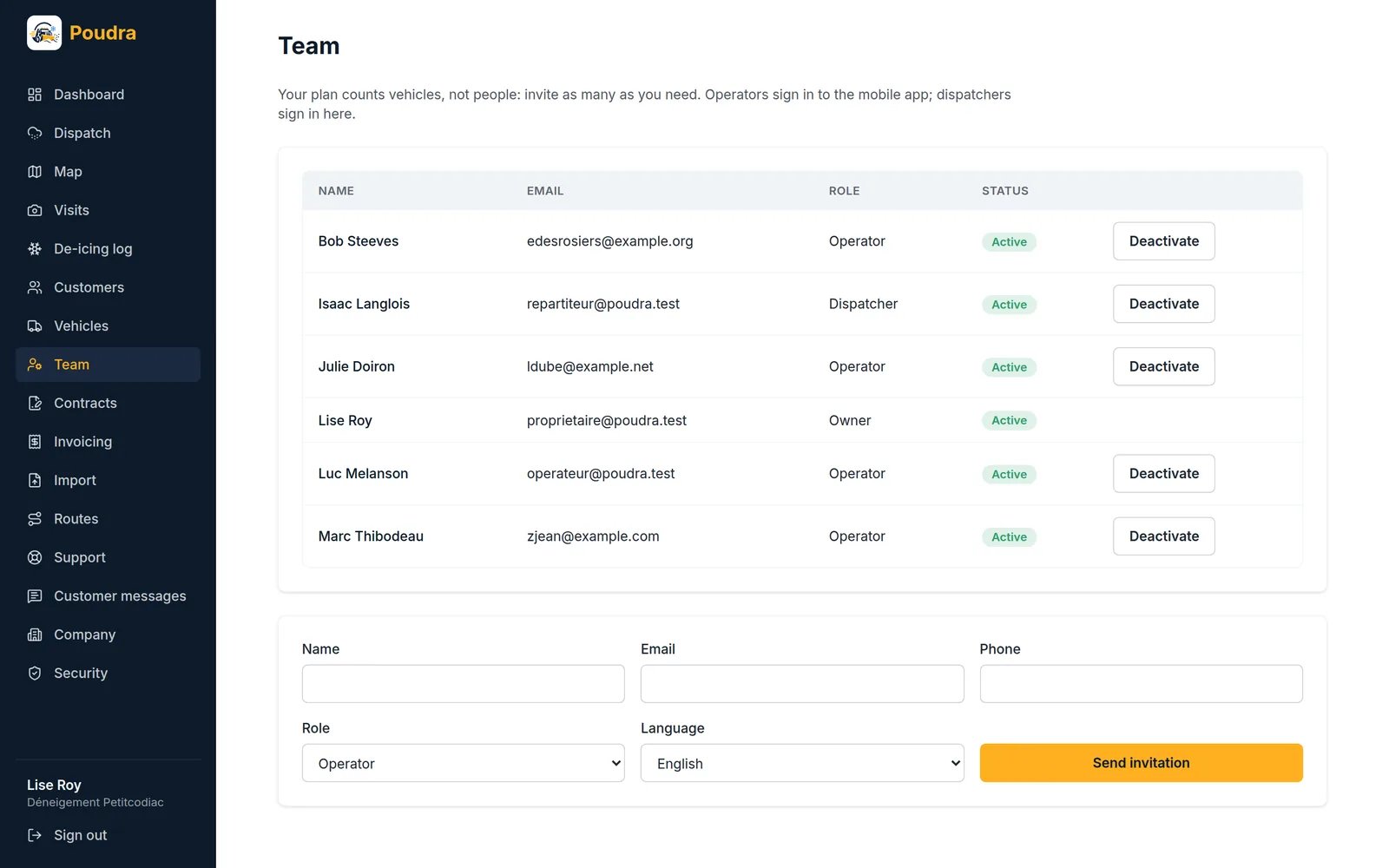
In Team, enter the name, email, role and language. The person gets an email and chooses a password; the link is valid for seven days, and you can resend it.
02Who signs in where
A dispatcher signs in to the back office. An operator signs in to the mobile app only: they see their routes, and nothing else from your address book.
03Someone leaves
Deactivate them: their sessions close right away, and they stop getting call-outs. They are not deleted, because the visits they made carry their name.
04Forgot password
The “Forgot your password?” link is on the sign-in screen of the back office and of the app. Changing a password closes every open session.