01What it is for
In winter the storm decides: it arrives, your routes go out. The rest of the year the calendar decides — you mow every seven or ten days, rain or not. A programme says “this route, every N days, during this season”. It does nothing but PROPOSE.
02Setting one up
Settings › Programmes, “Add a programme” (owner only). Give it a name, pick the route, the season — winter, spring, summer or fall — and the cadence in days. The time of the proposal is yours: 6 p.m. by default, the evening before, for the next day’s outing. The table shows each programme’s next outing.
03The cadence counts from the last visit
Not from the calendar. If the mowing due on the 20th happened on the 23rd because of rain, the next one is due on the 30th, not the 27th. Otherwise the programme would pile up a backlog it would try to catch up by mowing twice in three days. For the same reason, a late programme never catches up: it proposes ONCE, for the next day. Away for ten days, you do not come back to ten proposals.
04Confirm or postpone
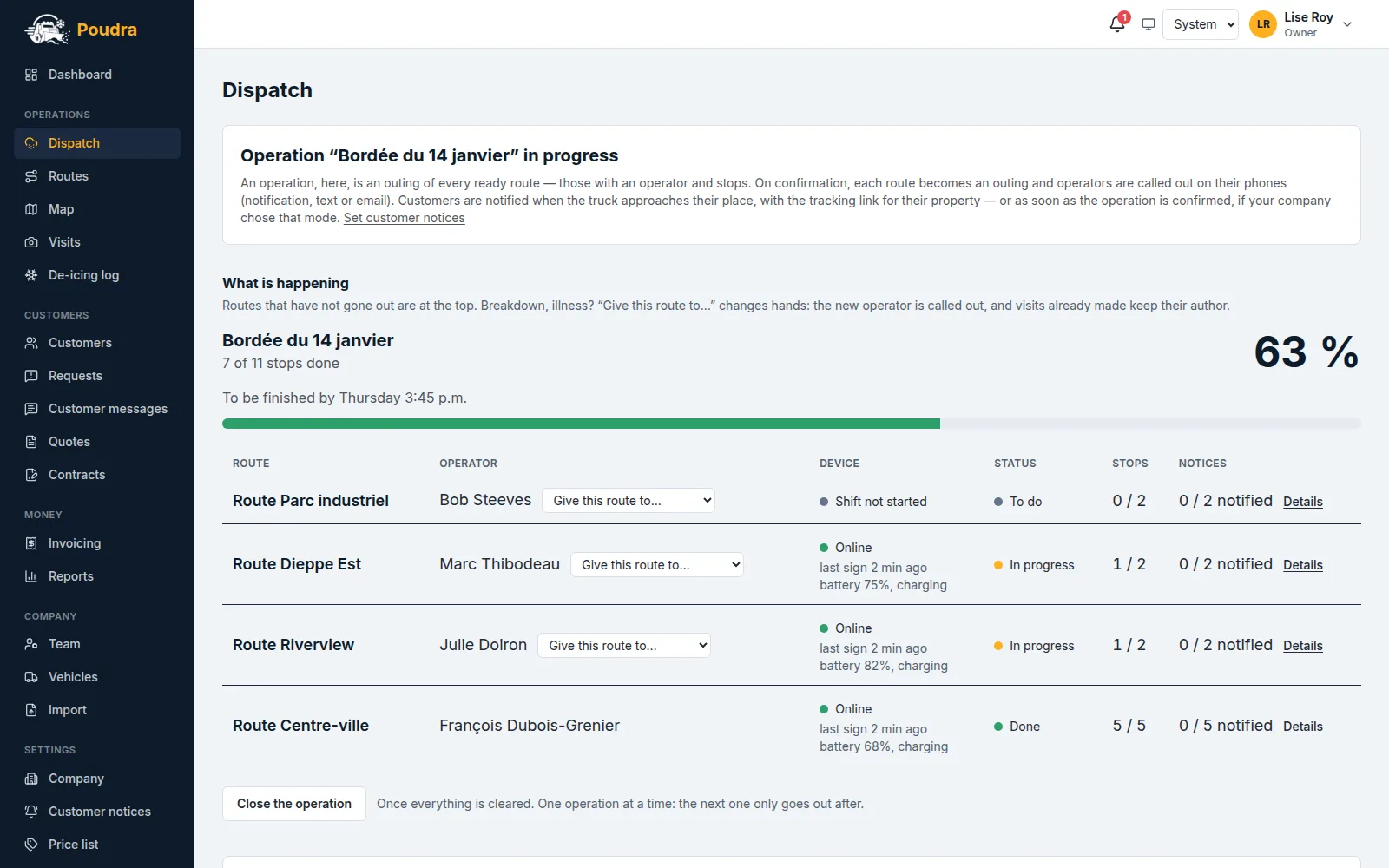
Proposed outings appear on the dashboard, under “The next four weeks”. “Confirm” does exactly what the button says: the route goes out and the operator is called out on their phone. Until you confirm, NOTHING has gone out — no call-out, no customer notice. Owner and dispatcher can both decide: at 6 a.m. a mowing does not wait for the boss.
05Postponing is always said
“Postpone” asks for a new date AND a reason — rain forecast, breakdown, employee away. The reason stays visible: a postponement is never silent. The postponed outing does not disappear, it says that something did not happen; and a new outing is proposed for the date you gave.
06One outing under way per route
Unlike winter, where a single storm runs at a time for the whole company, several programmes can run at once: three routes mowed on three different days are three normal outings. What is refused is confirming a second outing on a route whose previous one is not finished.
07Rain warns, it does not decide
If you follow a weather station and have set a rain threshold (Dispatch screen, at the bottom), a proposed outing carries a warning when the forecast total reaches it: “18 mm of rain forecast — postpone?”, with the button right beside it. Nothing is postponed on its own, and “Confirm” stays available: only you know whether your ground drains. Leave the threshold empty and no warning appears — there is no universally right value, adjust it from experience.
08Your seasons, and their dates
Settings › Programmes, at the top: each season — winter, spring, summer, fall — opens and closes on the day you set, as day and month. They decide which season a route, a contract or an operation belongs to. Two seasons MAY overlap, and that is deliberate: leaves are still picked up in October while the snow-removal contract is already running. The defaults are those of south-eastern New Brunswick — there is nothing universal about them.
09Services provided
On the same page, name what you provide — mowing, edging, blowing, cleanup — in BOTH languages: an English-speaking customer will read them in English. A programme says which ones it plans. On arrival the operator finds them all CHECKED and unchecks what they did not do: if everything was done, they touch nothing. You then read the gap on the visit page (“Edging — planned, not done”), and it appears in the proof file. The customer only sees what was done at their place. A service is removed from the list, never deleted: past visits keep theirs.
10Skipping a stop
Ground too wet, customer away: on their phone the operator taps “Skip” BEFORE arriving and picks a reason in one tap. This is not a visit — nothing is billed — and your customer reads on their tracking page “no visit: ground too wet. Nothing is billed to you this time”. That is what prevents the call. A skipped stop counts as settled: the route can finish without it. A stop already visited can no longer be skipped, and a skipped stop cannot be changed — it is evidence.
11Suspending, and the end of the season
A programme is never deleted: “Suspend” stops it, and its past outings stay attached to it. At the end of its season it stops proposing and tells you once, then goes quiet until next year. Your season dates are set per company; the defaults are those of south-eastern New Brunswick.