01Write
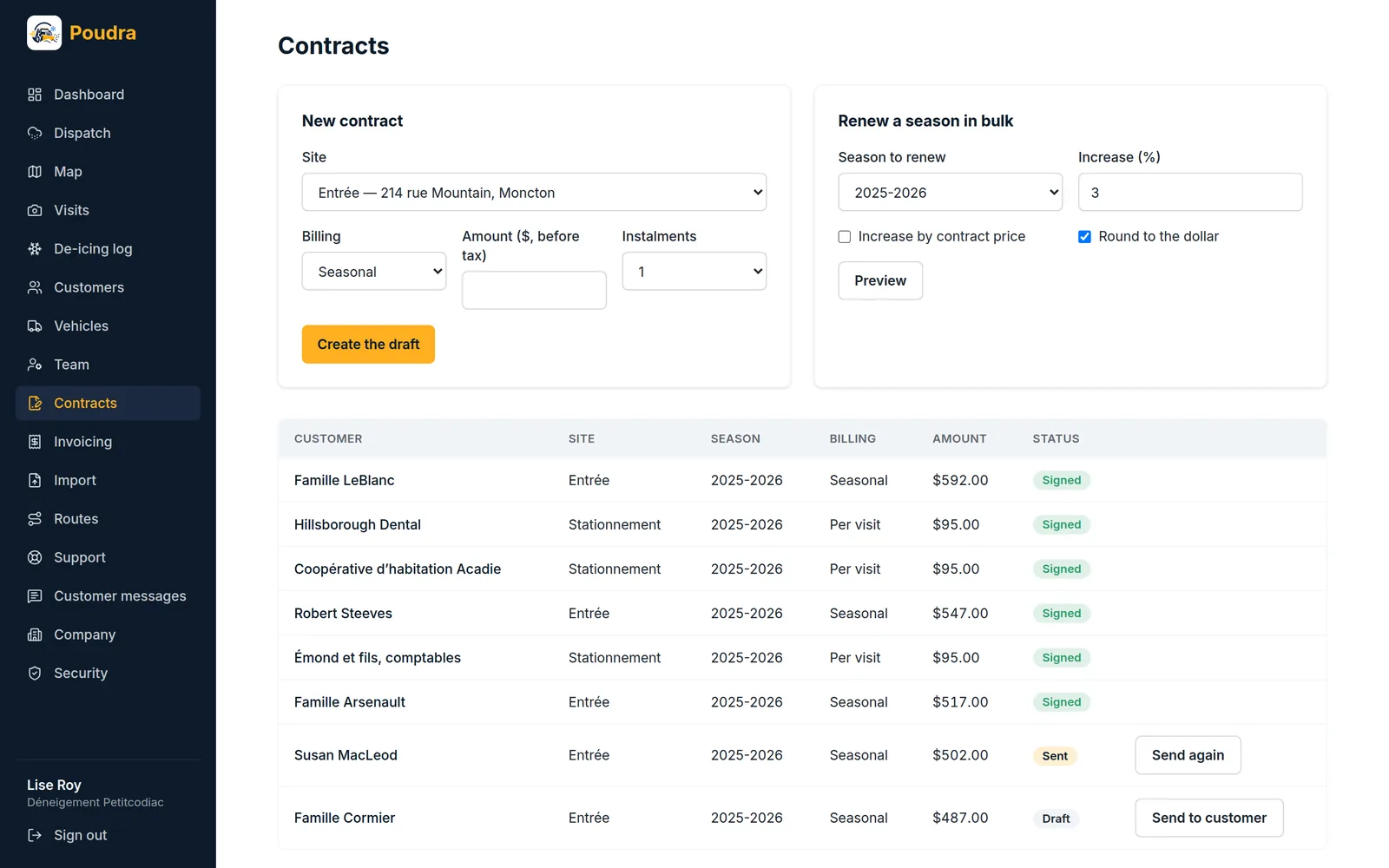
A contract is a site, a billing mode (seasonal, per visit, hourly or by tonnage), an amount before tax, the number of instalments and the list of included services — one per line: driveway plowing, de-icer spreading, sidewalk clearing. That list is printed on the PDF the customer signs.
02Send
A contract sent to the customer can no longer be edited: what they read must stay what is written. Two reminders go out on their own, three and seven days after sending.
03Sign or decline
The customer signs by typing their name and ticking a box; it is a simple electronic signature, and the PDF says so. They can also decline, with a reason. On signing, what they read is frozen: the signed contract PDF is rendered from that snapshot, not from today’s records.
04Renew in bulk
At season’s end, renew every signed contract at once, with a flat increase or one by price bracket. The preview shows each new price before anything is written.